GH₵ 500
VMware ThinApp Application Virtualization Software
Darkuman • Oct 10, 2026
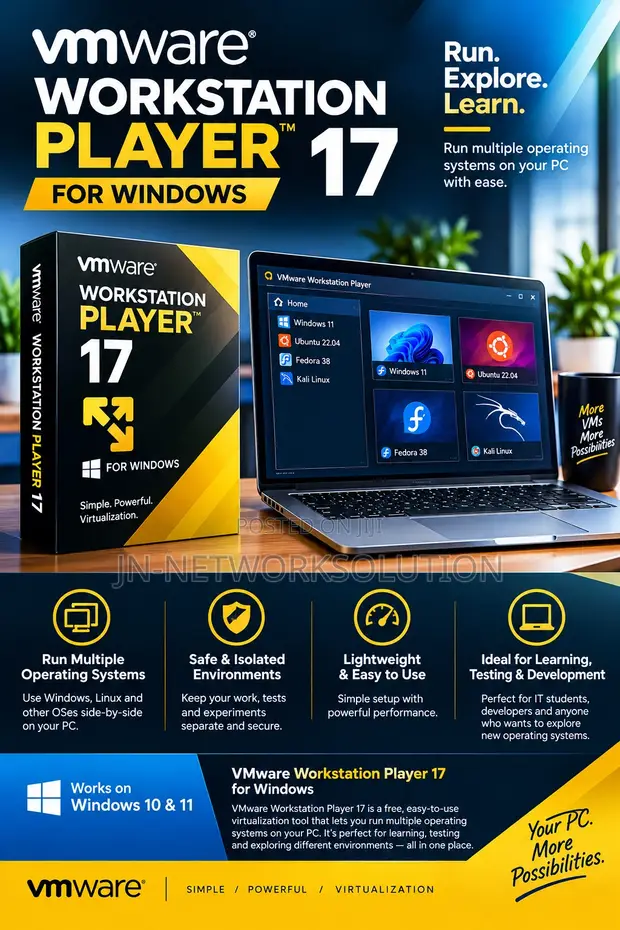
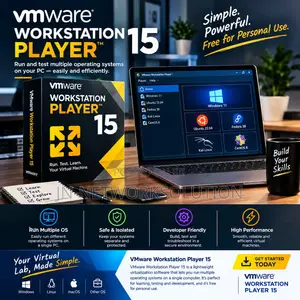
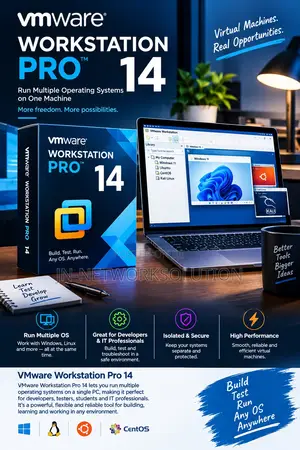
• VMware Workstation Player 17 allows you to run multiple operating systems, like Linux, on your Windows PC without rebooting. • Ideal for IT professionals learning new systems, developers testing software, and users exploring different OS environments. • Provides a stable platform for running applications that may not be compatible with your primary Windows installation. • Enables safe testing of new software or system configurations within an isolated virtual machine. • Digital download format for immediate access and installation. • Compatible with Windows operating systems.
 This item This itemVMware Workstation Player 17 for Windows GH₵ 500 |  VMware ThinApp Application Virtualization Software GH₵ 500 |  VMware Workstation Pro 17 for Windows GH₵ 500 | |
|---|---|---|---|
| Type | Office Software | Office Software | Office Software |
| Format | Digital Download | Digital Download | Digital Download |
| Platform | Windows | Windows | Windows |
| Software Name | VMware Workstation Player 17 For Windows | VMware ThinApp | VMWARE WORKSTATION PRO 17 For Windows |
| Price | GH₵ 500 | GH₵ 500 | GH₵ 500 |
GH₵ 500
GH₵ 500
GH₵ 500
GH₵ 500
GH₵ 550
GH₵ 550
GH₵ 380
GH₵ 350